A guide that fills itself
Point the player at an XMLTV source and every channel gets a schedule, a description, and catch-up wherever your provider offers it.

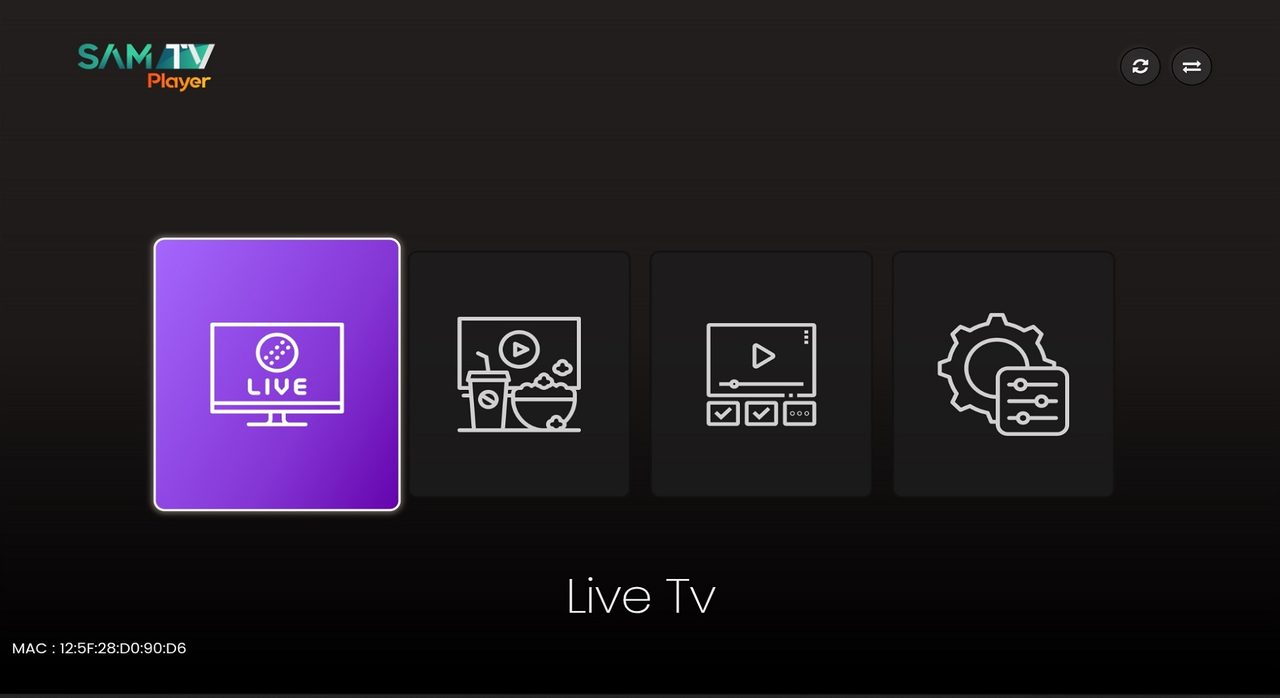
SamTv Player is a media player for Smart TV: it turns an M3U, M3U8 or Xtream playlist into a full TV — live channels, a program guide, movies and series — on the screens you already own. You bring the playlist. The player does the rest.
No account, no app store login, no reinstall when your playlist changes.
Search for Samtv Player in your TV's app store, or side-load the APK on Android and Fire TV.
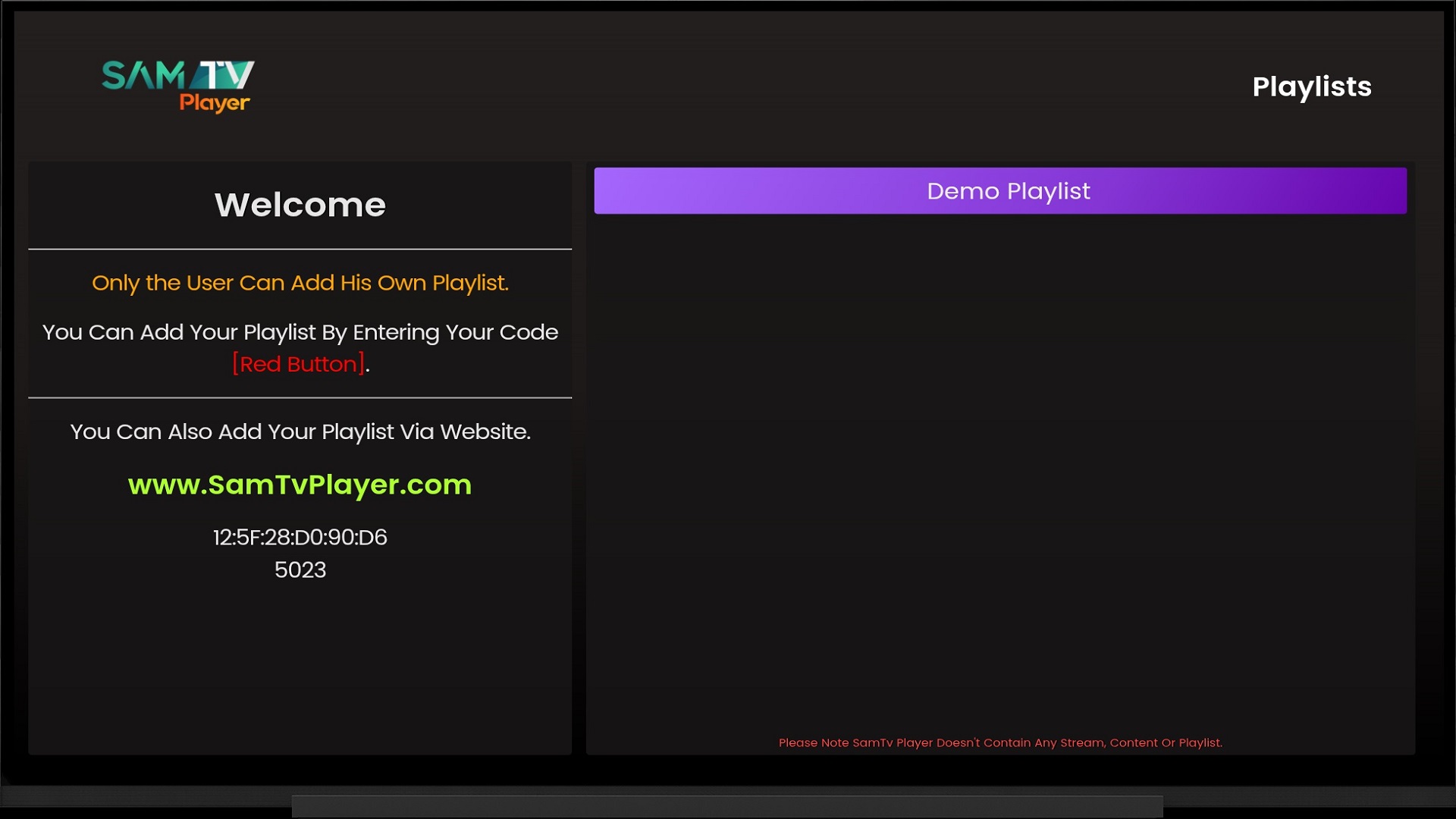
Open the app. The MAC address and the four-character device key sit on the first screen. Leave the TV on.
Sign in under Manage, type the codes, paste the playlist URL. Channels land on the TV within seconds.
Free for seven days. After that, activate the device for a year at $5.99, or once for $9.99 and keep the player for as long as the device lives.
A raw M3U file is a list of links. A good media player is what makes it watchable.
Point the player at an XMLTV source and every channel gets a schedule, a description, and catch-up wherever your provider offers it.
VOD arrives as a library, not a list — posters, seasons, episodes, and resume-where-you-stopped that follows you between devices.
Keep playlists side by side and switch from the profile menu. No re-activation, no wiping the TV to try a second provider.
Hide whole categories behind a four-digit PIN that survives restarts, updates and a curious nine-year-old with a remote.
Pick any track the stream carries, set size and delay, and the player remembers the choice per channel.
Send a stream to VLC, MX Player or your own external app when you want a different decoder. One click, back where you were.
If it has a screen, it probably runs. Same playlist, same favourites, same place you paused — on all of them.
Android, Windows, Mac and Linux download here. On a Smart TV or Fire TV, grab it from the app store. Seven days free, no card.
No subscription and no auto-renewal — take a year at a time, or pay once for the life of the device.
Long enough to find out whether your provider's line is any good.
A full year of the player. Renew only if you want to — nothing charges automatically.
One payment. The device keeps the player until you throw the device away.
Prices in USD. One activation covers one device — a TV and a phone count as two.
It's a link from a playlist provider — usually ending in .m3u or .m3u8, or an Xtream login with a host, a username and a password. Samtv Player plays it. We don't sell playlists and we can't give you one.
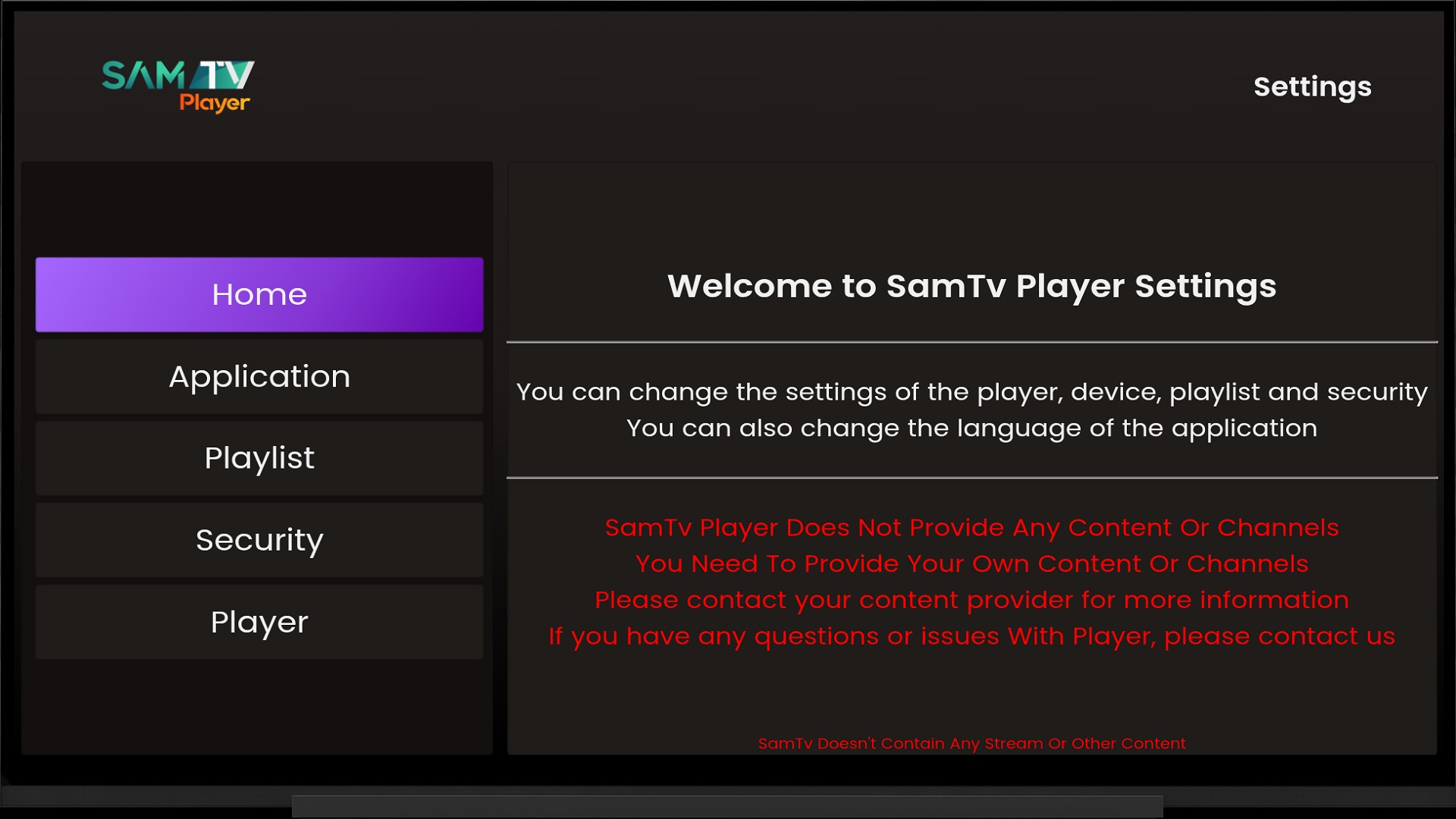
No. The player ships empty. Everything you watch comes from the playlist you add, from a provider you choose and pay separately. We never see, host or relay the streams.
Open the app on your TV. Both sit on the Playlists screen, under the welcome text. They stay the same until the device is reset to factory settings.
Yes. Sign in under Manage with the same MAC address and device key, and add the new URL. The TV picks it up on the next restart. Nothing to reinstall, nothing to pay again.
One. Every TV, stick, phone and computer has its own MAC address and needs its own activation.
That's the provider's stream, not the player. Try a second channel first. If nothing plays at all, the provider's line is down or the subscription has lapsed — that's a conversation to have with them.
Every device gets a free seven-day trial first — test the player with your own hardware, playlist and connection before you pay. Because that trial exists, payments are final: we don't refund a device once it's activated, and we can't guarantee any given channel, since the channels come from your provider, not us. The exception is if the player wasn't delivered as advertised, or where a refund is required by law. Full detail is in our Terms of Use.
We think so, and the seven-day trial exists so you don't have to take our word for it. It runs natively on Samsung Tizen and LG webOS rather than through a phone, reads M3U, M3U8, Xtream Codes and MAG portals, fills in an XMLTV guide, sorts movies and series into a proper library, and remembers where you stopped on every device. Install it on the TV you actually own, add your own playlist, and compare it with whatever you're using now before you pay anything.
Yes. SamTv, Sam Tv, SamTv Player and Sam Tv Player all refer to this app — the Smart TV player published by eFutureBox and downloaded from samtvplayer.com or your TV's own app store. There is one app, and this is its website.